

Welcome to  -
Marg ERP AI+
-
Marg ERP AI+
Home > Margerp > Gst Reports > How to E-mail GSTR2 report in Marg ERP Software ?
How to E-mail GSTR2 report in Marg ERP Software ?

Marg Software has provided a very beneficial provision in the software through which the user can easily E-mail GSTR2 Report to the accountant.
In order to E-mail GSTR2 Report, the user needs to follow the below steps:
Note: To use this option, the software must be configured with E-mail Setup.
- Firstly, the user needs to Update GST Patch in the software.
- Go to Gst > GSTR 2.

- Select the Period i.e. from which month till which month, the user wants to view GSTR 2.
- Then click on 'Show'.

- Click on 'GSTR2 Returns'.

- The user will select the report format i.e., in which the user needs to send the report.
- Suppose select 'GSTN Excel Template file'.
- Now the user will place checkmark in the'E-mail' option.

- Then click on 'Start'.

- Click on 'Yes'.

- Now, the user can view that the Excel fIle has been generated.
- Click on 'Ok'.

- The user will enter the E-mail ID on which the report needs to be sent.
- Click on'Okay'.

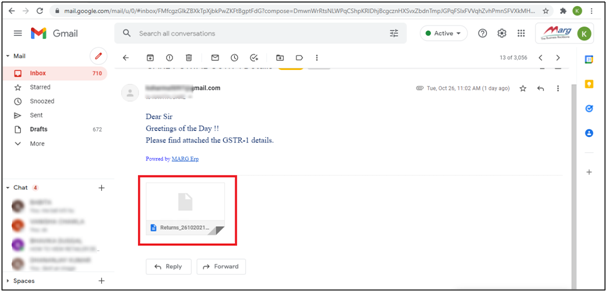
After following the above steps, the user can E-mail GSTR2 Report in Marg ERP Software.

In This Page









