

Welcome to  -
Marg ERP AI+
-
Marg ERP AI+
Home > Margerp > Inventory > How to Set Barcode should not Generate Automatically in Marg Software ?
How to Set Barcode should not Generate Automatically in Marg Software ?

In Marg ERP software if at the time of creating new item software generates its barcode automatically and user needs to feed it manually then this issue can be resolved:
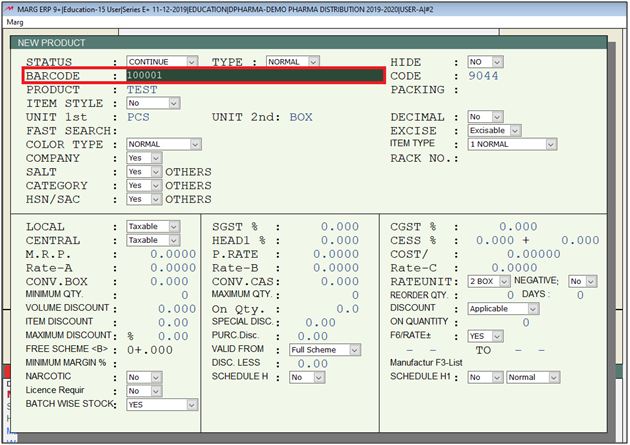
In order to resolve this issue user needs to follow the given steps:
- Go to Masters > Marg Setups > Control Room. Press Enter.
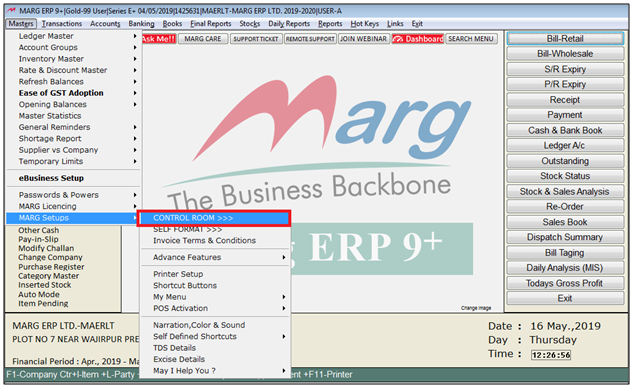
- A Control Room window will appear.
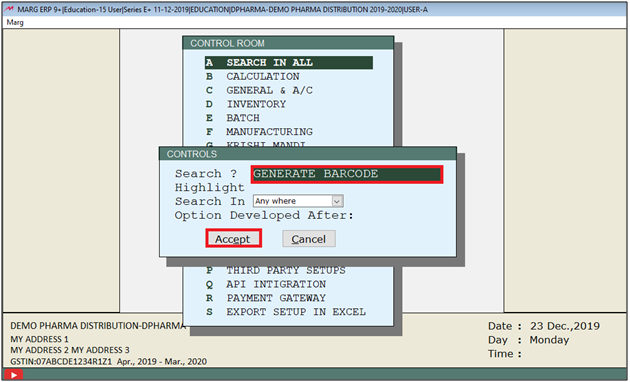
- The user will select ‘Search in All’. Press Enter.

- A Controls window will appear in which the user will Search 'Generate Barcode'.
- Now click on ‘Accept’.
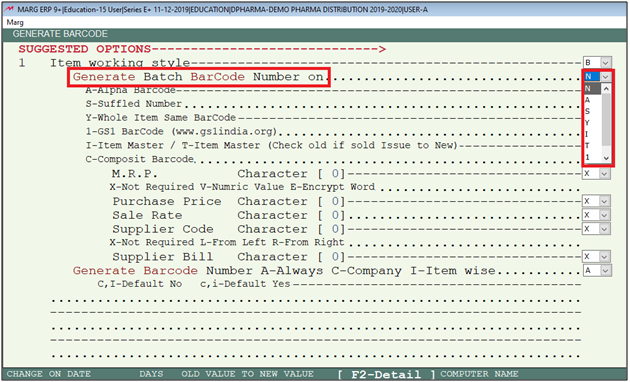
- A Generate Barcode window will appear.
- In ‘Generate Batch BarCode Number on’ the user will select “N”.
- The user will now press Escape key twice .
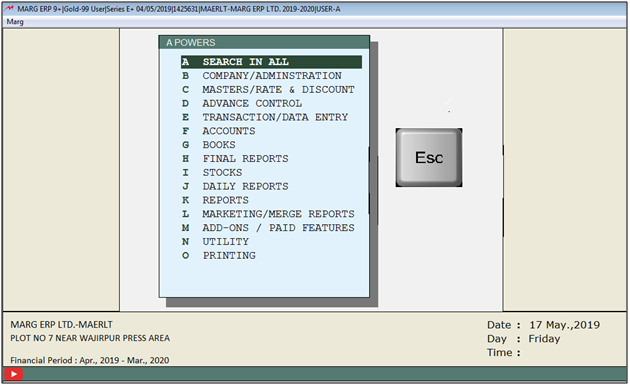
- Then click on ‘Yes’ to Save changes.

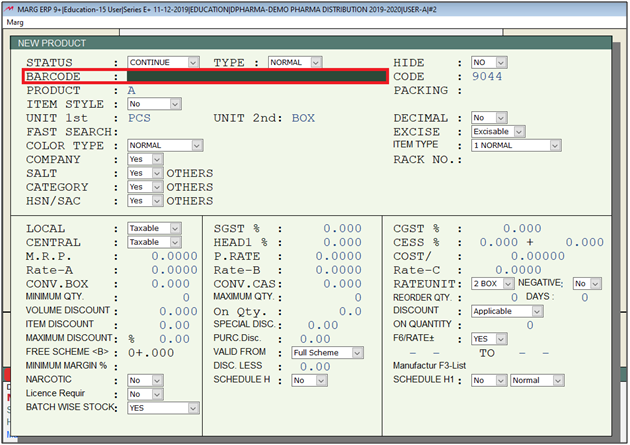
After following the above steps software will not generate auto barcode as it will ask for the manual barcode.

In This Page









