Welcome to  -
Marg Wallet
-
Marg Wallet
FAQ's
Marg Wallet Plan and Price List
Through Marg Wallet, users can access a variety of services such as WhatsApp Invoices, Auto Prescription Reminders, and Outstanding Payment Reminders. They can choose from different plans and pricing options to activate these services.
How to Email Bill while billing through Marg Wallet ?
In Marg Software, the E-mail Setup feature allows users to send soft copies and PDF formats of sale and purchase bills directly to customers and suppliers. This improves communication and record keeping. Users can activate and manage email services conveniently through Marg Wallet for fast, secure, and paperless document sharing.
How to Generate e - Way Bill through Marg Wallet ?
E-Way Bill is basically an electronic document generated on the GST portal for the movement of goods within the state or from one state to another state.
How to Activate Marg Wallet ?
Marg ERP introduces the Marg Wallet, a revolutionary platform designed to enhance business growth by simplifying daily operational tasks. It offers users a suite of essential services for efficient business management.
How to WhatsApp Bill while Billing through Marg Wallet ?
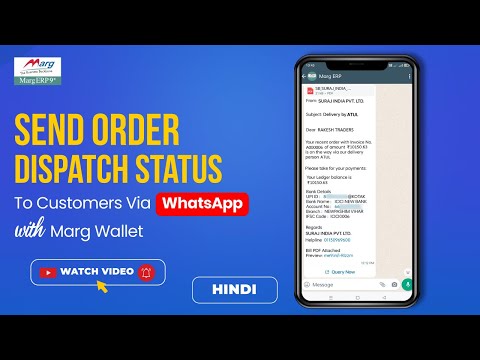
Marg ERP has provided a very beneficial provision of Sending Invoices of Whole Sale & Retail billing to customers/parties directly on their WhatsApp through the Software. Through Marg Wallet the user can activate the services of Whatsapp and can send bills on it.
How to Import Purchase Bill Photo through Marg Genie in Marg ERP Software ?
In Marg ERP Software, users can import purchase bills through photo by using the Marg Genie App. The app allows capturing or uploading a bill image, which is then scanned and uploaded into Marg ERP Software. This feature saves time, minimizes manual entry, and ensures accurate posting of purchase bills.
How to verify Party GST Number through Wallet in Marg ERP Software ?
In Marg ERP Software, verifying the Party GST Number through Wallet helps ensure correct GST details, avoids fake or inactive GSTIN usage, saves manual verification time, improves billing accuracy, supports legal compliance, reduces the risk of tax penalties, and builds trust with customers through authentic GST verification.
How to Import Purchase PDF File through Wallet in Marg ERP Software ?
Marg ERP has provided the provision of 'Import Bills through PDF', through which you can directly import the bills received in PDF into the software as purchase bills in just a few clicks. Due to this, the chances of error are reduced and time will also be saved.
How to Schedule Outstanding Reminder through Marg Wallet ?
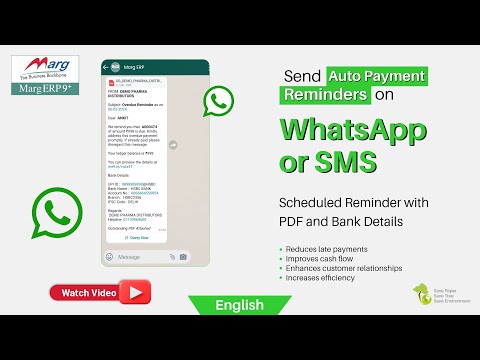
In Marg Wallet, a revolutionary platform designed to enhance business growth by simplifying daily operational tasks. This comprehensive system integrates seamlessly with Marg ERP Software, offering users a suite of essential services for efficient business management.
How to Generate e-Invoice of Credit Note through Marg Wallet ?
Electronic Invoicing (e-Invoicing) is a system in which Business-to-Business (B2B) invoices, Export invoices & Invoices of Credit/Debit Notes Price difference of Registered parties are validated electronically by GSTN for further use on the common GST portal.
Software Developments

How to Book Doctor Consultation through Digital Health QR Code in Marg ERP Software ?
How to Book Health Checkup through Face Scan in Marg ERP Software ?
How to Set My Preferred Doctor in Digital Health QR Code of Marg ERP Software ?
How to Download Health QR Code in Marg ERP Software ?
How to Place Order as a Retailer through ERP to ERP Order in Marg ERP Software ?